
Knowledge base
Documents & calendar · 3 min
Create calendar events
Events per property with visibility, recurrence and reminders.
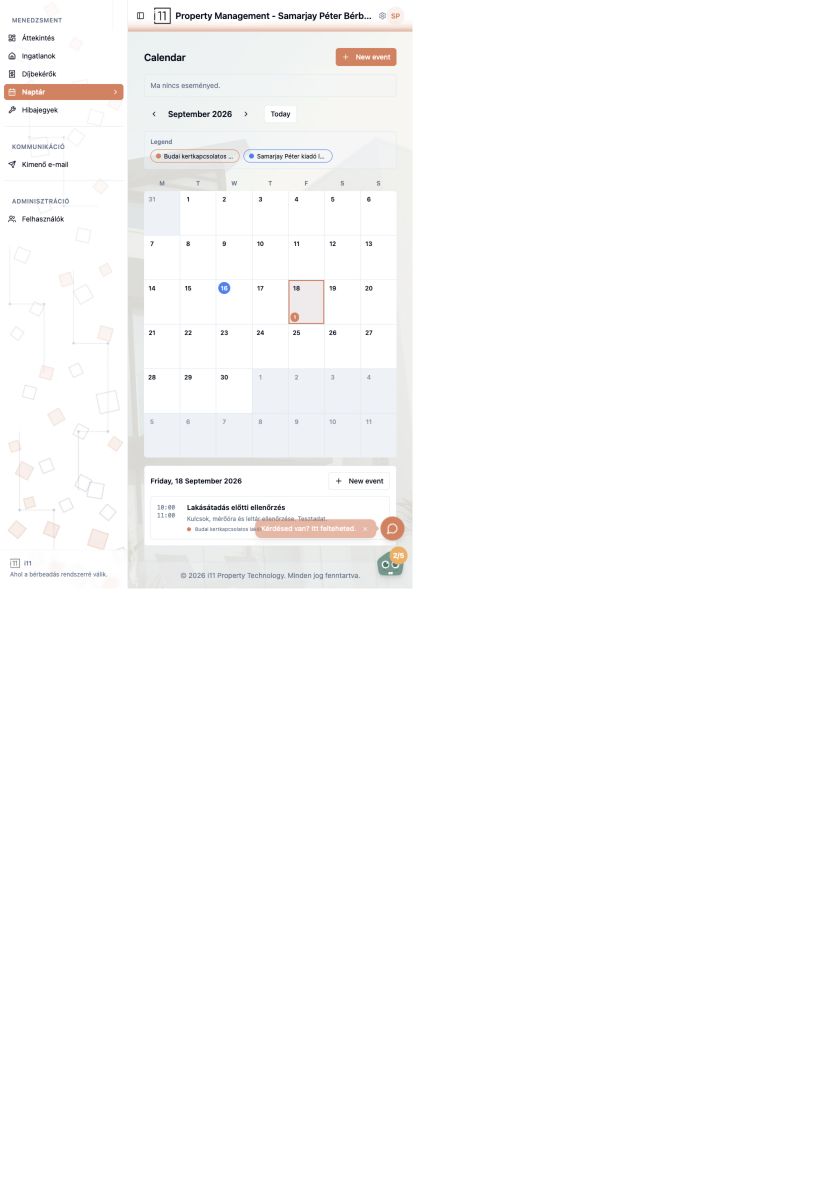
The Naptár (Calendar) menu shows your events in a month view; the legend colour-codes properties.
New event
Press New event or click a day, then enter title, description, start and end times and recurrence (e.g. one-off).
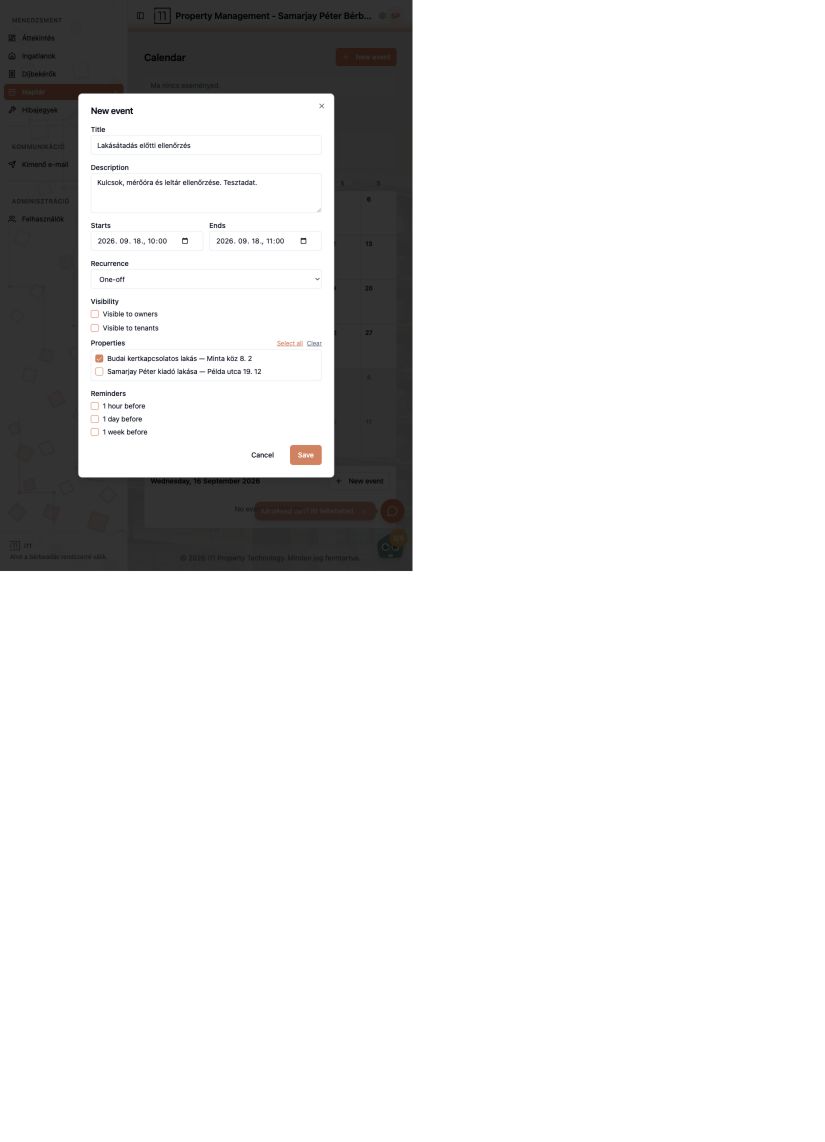
Visibility, properties, reminders
- Tick whether owners and/or tenants can see the event.
- Choose which property or properties it belongs to.
- Request a reminder 1 hour, 1 day or 1 week before.
After saving, the event appears in the calendar, in the selected day's list and among upcoming events on the Overview.
Ask about this article
Still have a question? Send it to us and we will receive it together with the article reference.
Start using RentalSys for free
Put the guide into practice with your own property.
- No credit card required
- Free tier included
- 3-minute setup