'%3e%3cpath%20fill='%23FD7419'%20d='M650%20442%20L868%20526%20H1180%20V970%20H650%20Z'/%3e%3cpath%20fill='%23C86020'%20d='M981%20716%20L1180%20774%20V970%20H650%20V784%20H908%20C954%20784%20990%20768%20990%20738%20C990%20729%20987%20722%20981%20716%20Z'/%3e%3cpath%20fill='%23FCB58D'%20d='M650%20700%20H908%20V970%20H650%20Z'/%3e%3c/g%3e%3c/svg%3e)
Administration · 4 min
Organization settings
Company details, branding and request prefix, contacts and bank accounts.
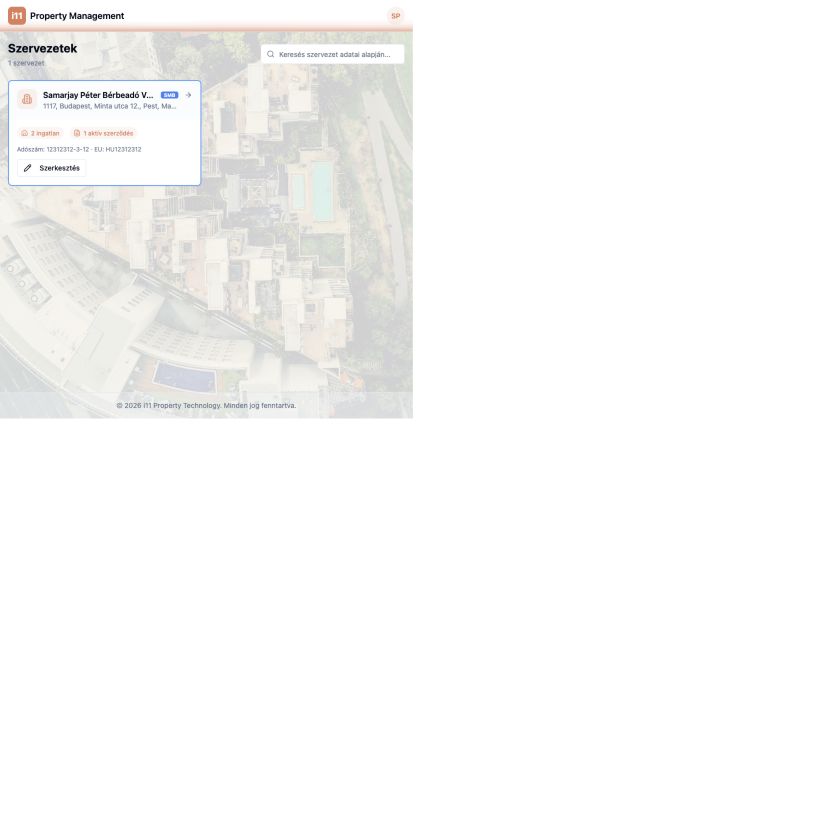
Reach your organization via the gear icon in the header. The Szervezetek page shows its address, number of properties and active leases; Szerkesztés opens the settings window.
Branding
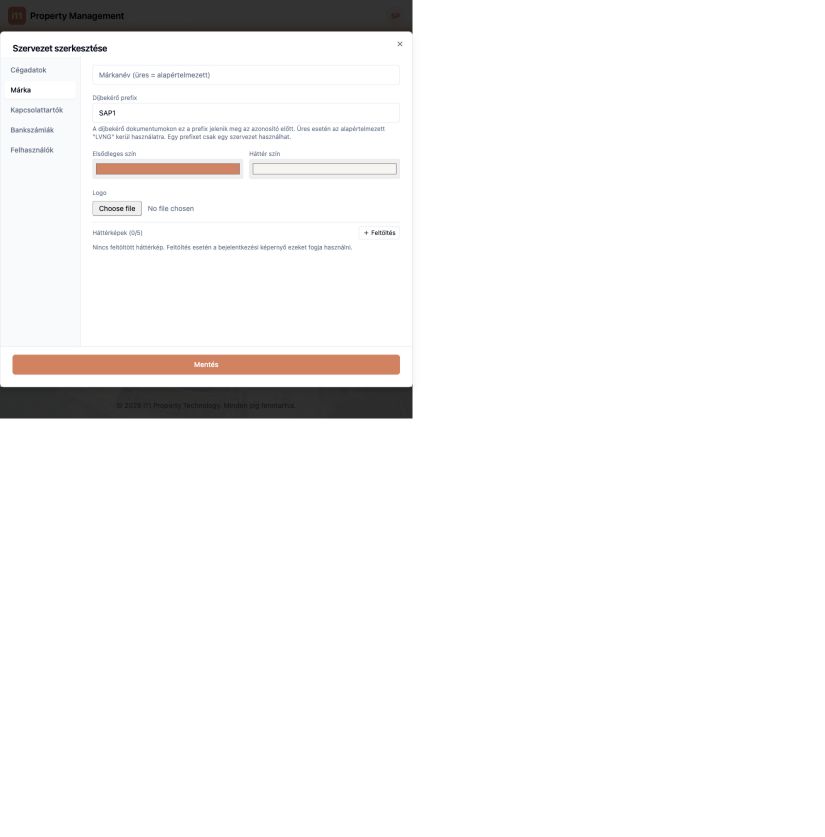
Set a brand name, the payment request prefix (placed before request IDs; a prefix can belong to only one organization), primary and background colours, a logo and up to five login background images.
Contacts
Add name, phone, email and position with Új kapcsolat. Choose whether email, phone or WhatsApp appears on the tenant's welcome card.
Bank accounts
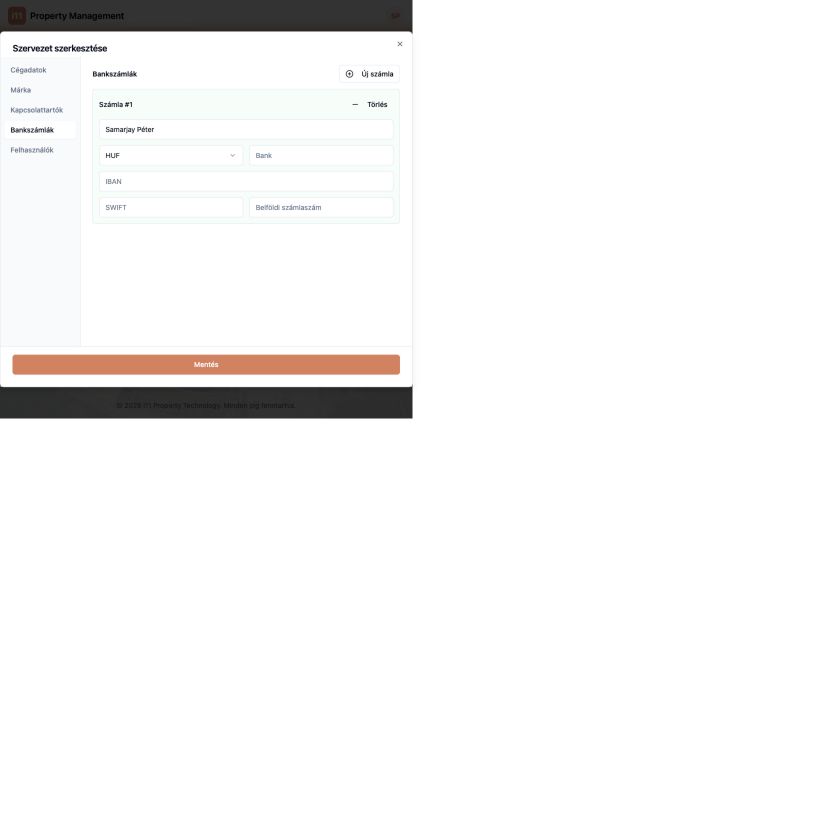
Add accounts with Új számla: holder, currency, bank, IBAN, SWIFT and domestic account number. You pick from these as the recipient account on payment requests.
- Save changes on each tab with Mentés.
Ask about this article
Still have a question? Send it to us and we will receive it together with the article reference.
Start using RentalSys for free
Put the guide into practice with your own property.
- No credit card required
- Free tier included
- 3-minute setup